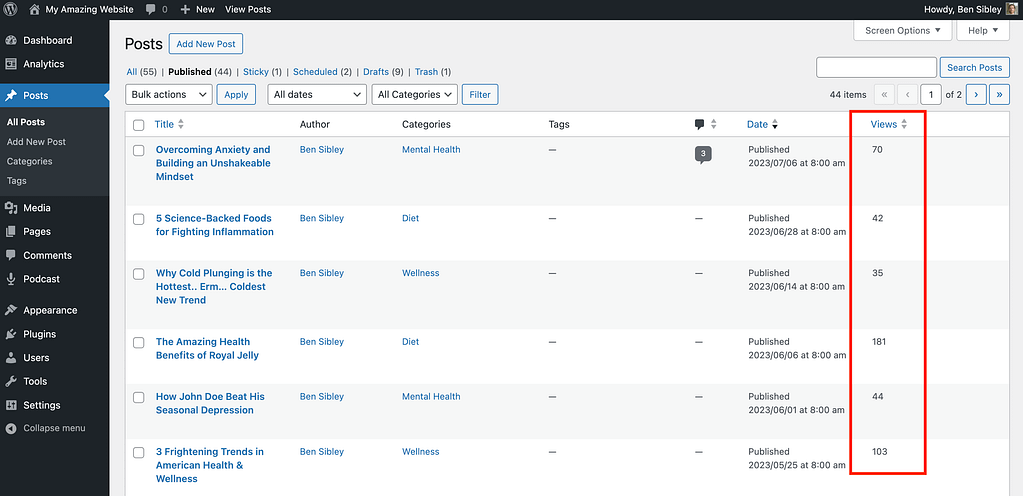
The Views column also appears in the Pages menu and custom post type menus.
This gives you a convenient way of checking on the popularity of your latest posts during a busy workday without visiting the full Analytics menu.
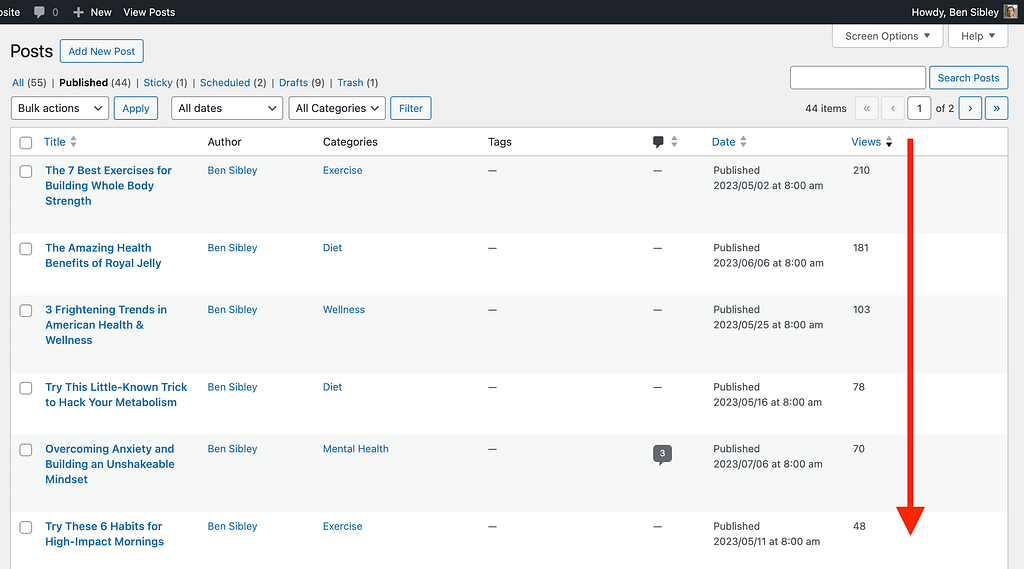
If you click on the Views column, you can also sort the posts by most-to-least views and least-to-most views.
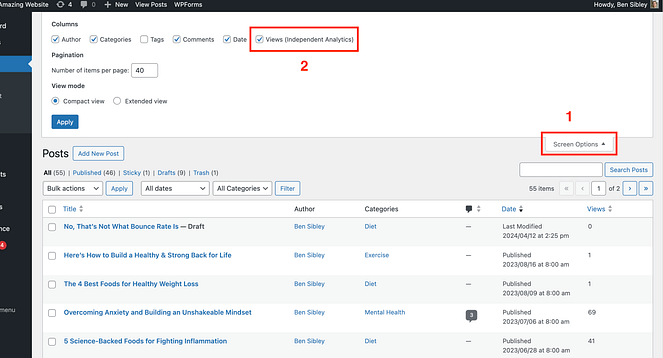
If you’d like to hide the Views column in one of your menus, you can click on the Screen Options tab at the top of the page and then uncheck the Views (Independent Analytics) checkbox.
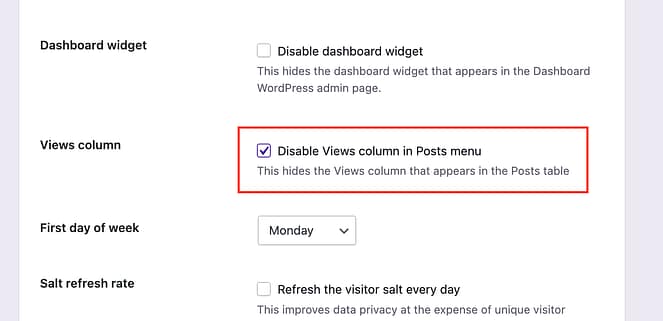
If you’d prefer to remove the Views column from all menus, there’s a better way. Visit the Analytics > Settings menu and locate the setting called Views column.
Then, check the box to disable the column and click the Save settings button to save your changes.